

Vena Functionality Extension
Expand Vena beyond standard limits using VBA extensions, advanced Excel, and custom macros for unique business needs.

About Vena Functionality Extension
Vena’s standard functionality often limits unique business processes. We build custom solutions using VBA and advanced Excel 365, extending Vena’s capabilities for version control, automated allocations, and user efficiency.

Key FP&A Challenges
Standard Vena features lack the flexibility needed for specific processes like custom versioning, complex allocations, and user-triggered data input.
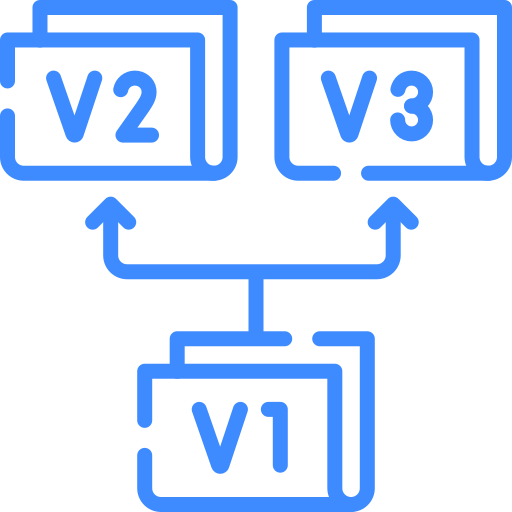
requires Modeler access for restricted users

requires multiple manual Save/Refresh/Save steps

Excel filters complicate pasting data entry

functions lack complex rules (e.g., data overwrite checks)

standard Vena flags are sometimes unstable or limited

We develop stable, user-centric Vena extensions, including custom versioning and streamlined macros, ensuring unique FP&A needs are fully automated.
Why DSCIM’s Approach Stands Out


Finalizing Your Vena Implementation Strategy
By working with DSCIM, you will:
- Implement unique functionalities not available in standard Vena;
- Enhance data reliability through advanced validation and controls;
- Provide seamless, intuitive user experiences through tailored macros and extensions.
Key Steps in Vena Functionality Extension
-
Identify Function Gaps
- Determine features missing from standard Vena.
-
Map User Workflow
- Detail required automation or template sequences.
-
Define Access Needs
- Determine if Modeler access must be bypassed.
-
Specify Validation
- Implement rules to prevent data overwrites.
-
Develop VBA Macros
- Write code for complex actions and triggers.
-
Use Excel 365
- Implement advanced formulas for performance.
-
Integrate Vena APIs
- Ensure seamless communication with the cube.
-
Test Custom Flags
- Verify extended Vena flags work as expected.
-
Validate Logic
- Ensure complex allocations or versioning is accurate.
-
User Acceptance
- Verify solution meets client functional requirements.
-
Document New Tools
- Provide guidelines for custom extensions.
-
Train Users
- Educate team on new macro/button usage.
-
Ensure Control
- Confirm finance team owns access controls (e.g., passwords).
Discovery Session
Have a question or need more information? Contact us!

Contacts
Markham, Ontario, L3R 6G2, Canada
Other Services

We will contact you shortly